
One screen for everything your store sells.
Snacks, beverages, grocery essentials, prepared food, packaged goods, and everyday products all ring up through one connected system.
Your team gets a faster checkout experience, while sales, inventory, customers, and reporting stay connected behind every transaction.
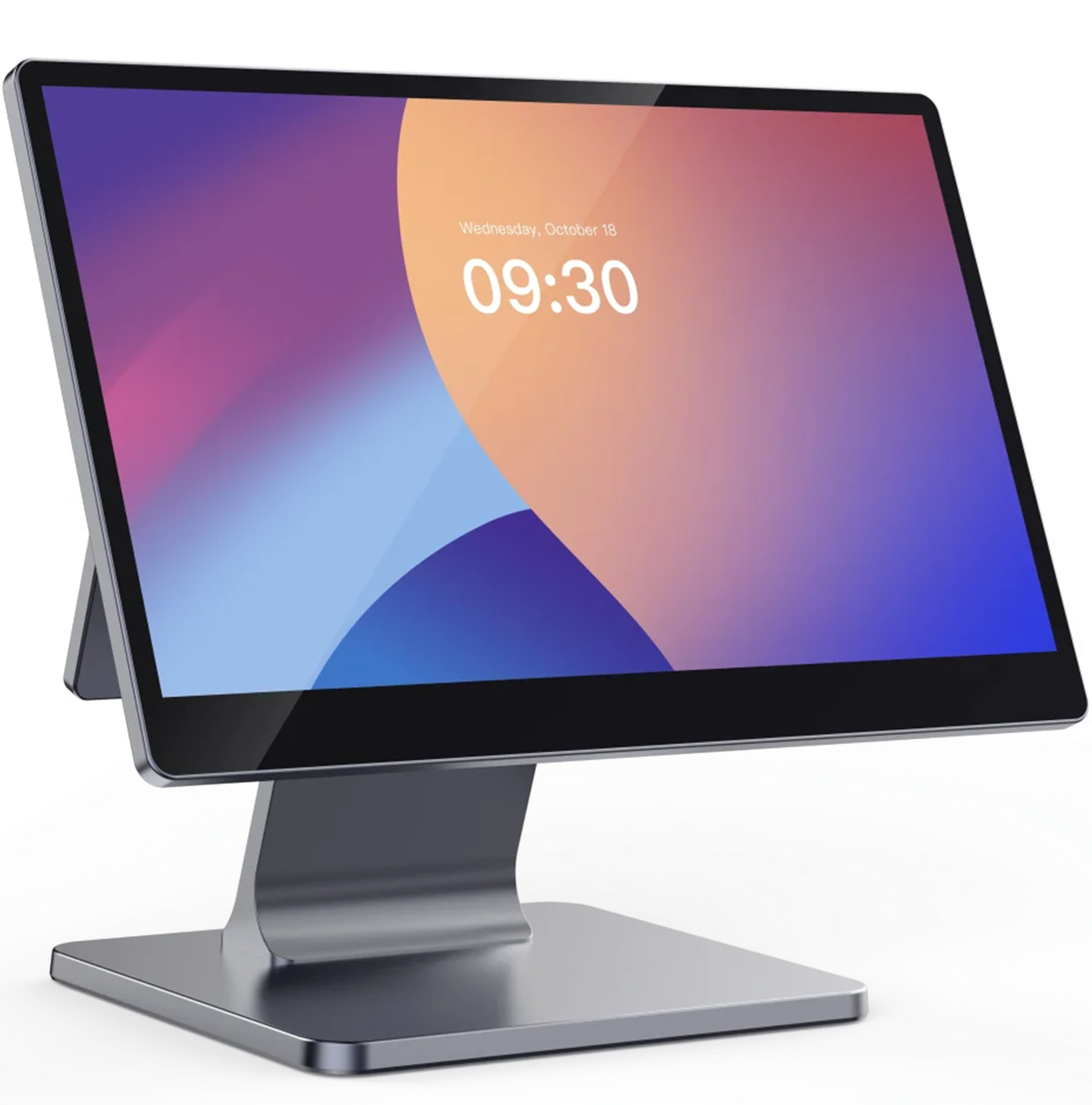 CornerIQ Register · Connected
Hardware that works together.
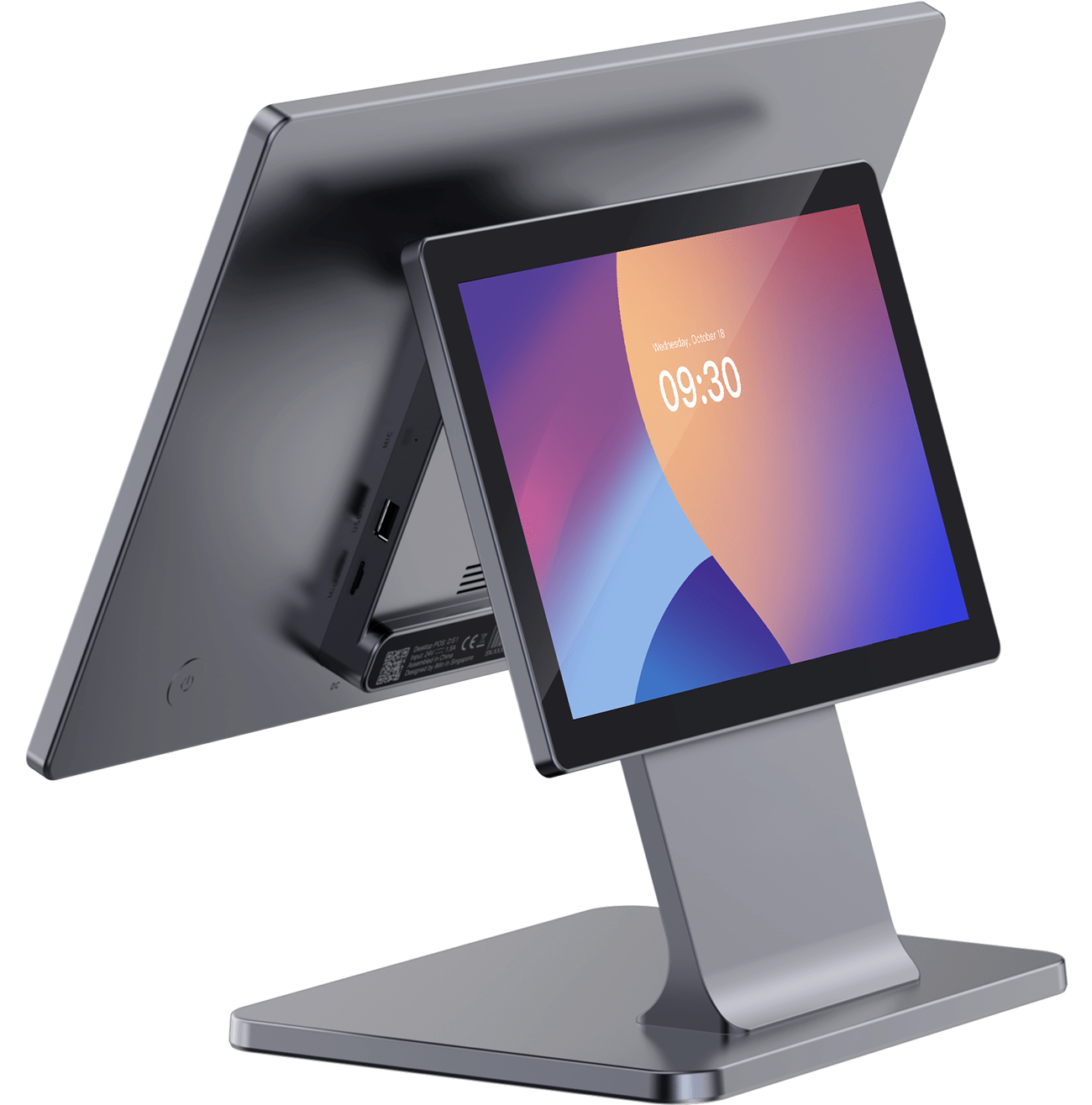
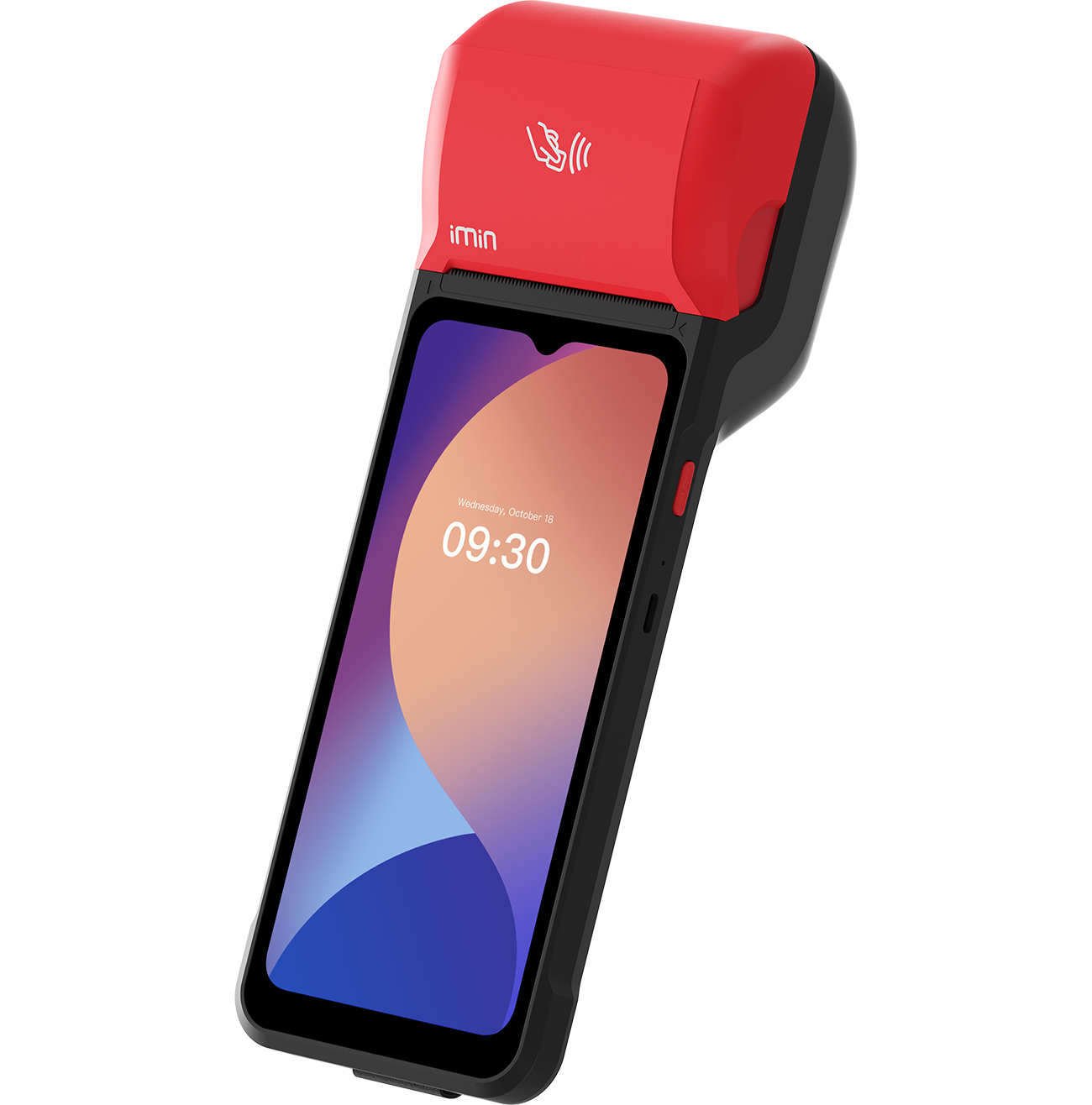
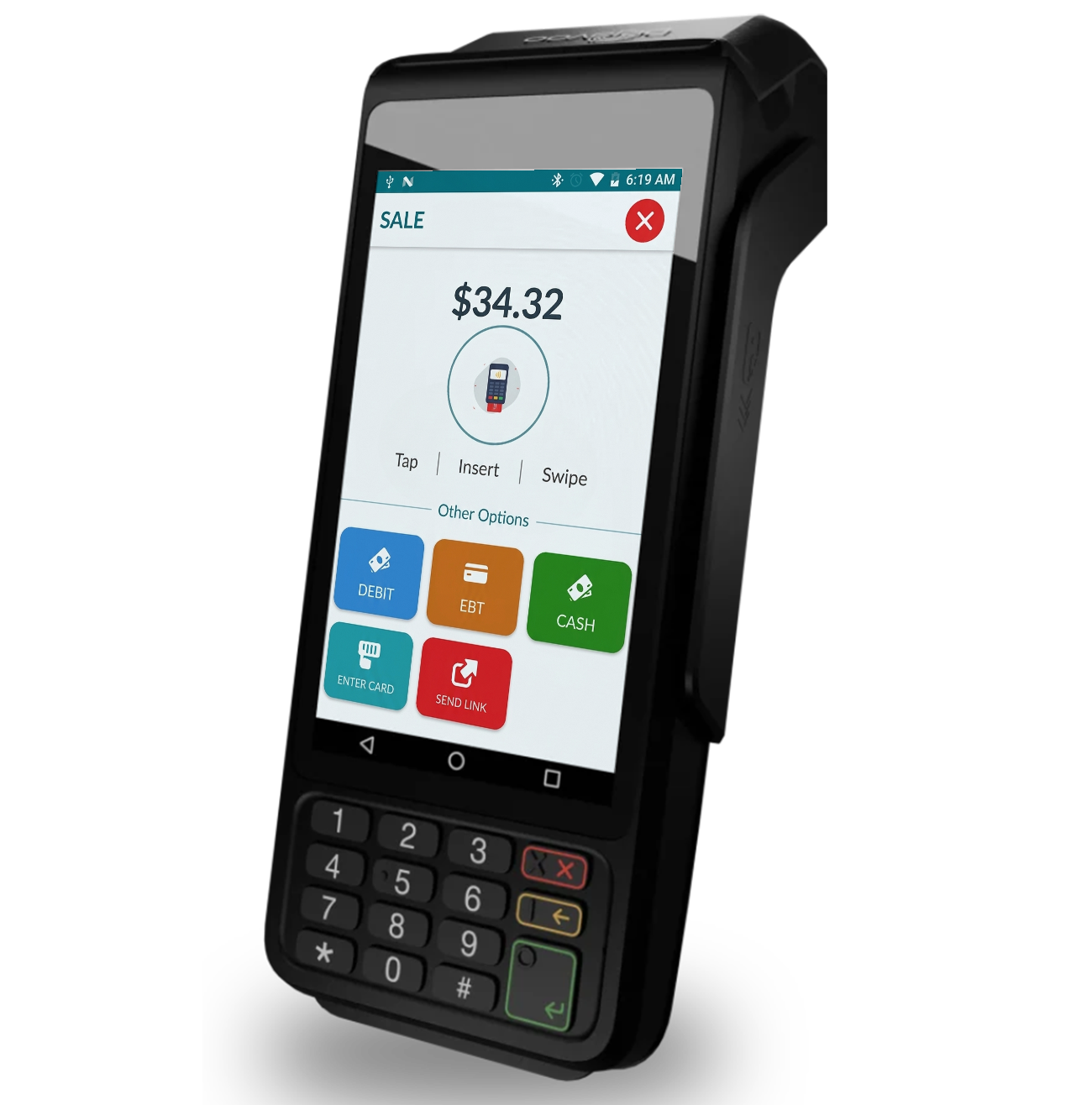
From the main counter to mobile checkout, every device runs through one connected CornerIQ system.
01
 02
02
 03
03
 04
04
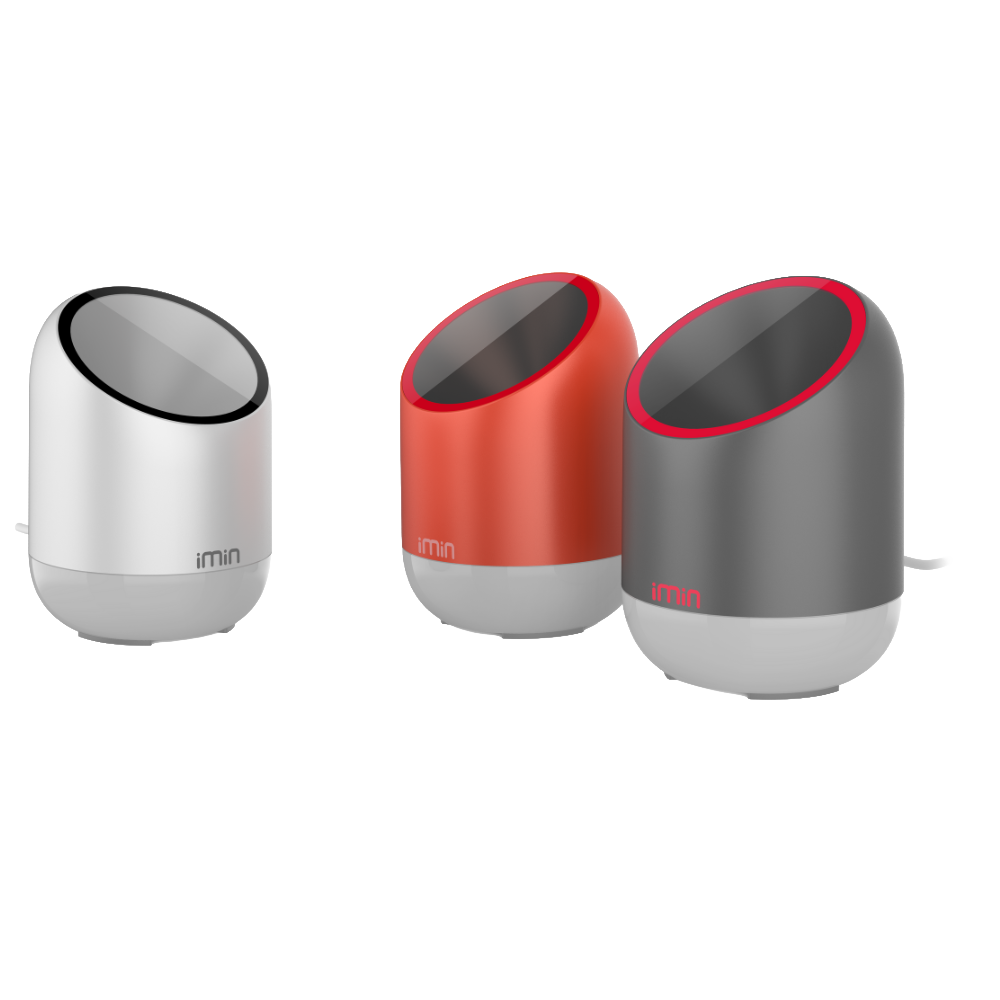 05
05
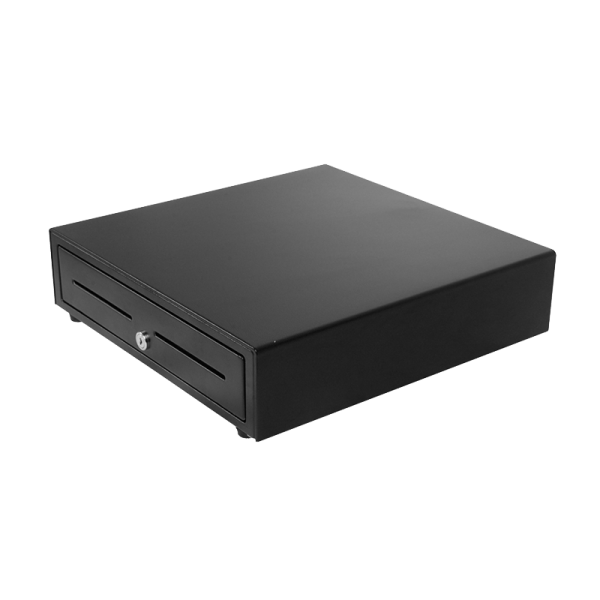 06
06
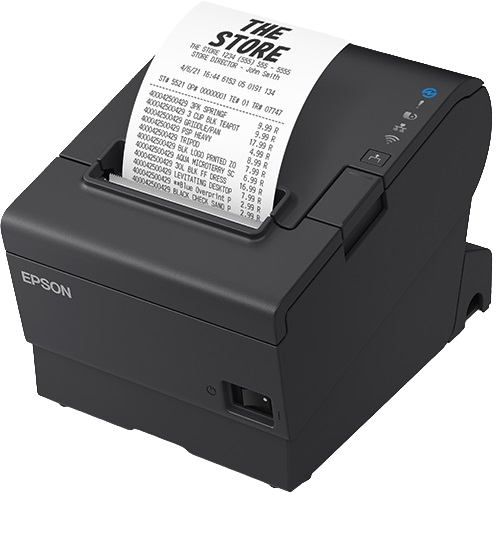 07
07
Hardware note: Most stores begin with a POS, payment terminal, scanner, receipt printer, and cash drawer. Additional hardware can be added based on how your store operates.
The POS comes with intelligence built in.
CornerIQ uses the sales already flowing through your register to surface useful information and handle repetitive work.
Knows Your Top Sellers
See which products and categories sell the most each day and each week without manually building a report.
Finds Your Best Margins
Understand which products generate the strongest margins, not only which ones sell the most.
Watches Your Inventory
Monitor product availability and identify items that may need attention before they run out.
Fills Slow Hours
Identify slower sales periods and create relevant promotions designed to bring customers back.
Suggests Add-Ons
Recommend relevant products and offers at checkout and through connected digital channels.
No separate reporting system. No extra platform for your team to manage.
More than checkout, from day one.
Every CornerIQ register connects the tools your team uses to sell, understand customers, and run the store.
Packaged products, retail goods, and gift cards scanned in one pass
Online and in-store orders visible through one connected system
Product and price changes updated across connected channels
Time clock and shift tracking through the POS
Loyalty points earned and redeemed at checkout
Promotions applied during eligible purchases
Sales reports by hour, product, and employee
Inventory visibility connected to store sales
Customer activity connected to direct purchases
Keeps ringing when the internet goes down
Questions about the register.
What comes with the system, how it works, and what happens when your store switches.
The register is designed around familiar retail checkout actions such as scanning products, accepting payments, and applying customer rewards. Most employees should be able to learn the core checkout flow quickly, with training provided during setup.
No. Most stores begin with the POS, payment terminal, scanner, receipt printer, and cash drawer. A customer display or handheld can be added depending on your store layout and checkout needs.
The register can continue processing available transactions during an internet interruption. Orders and payments synchronize when the connection returns.
Yes. The handheld works through the same store account, allowing employees to take eligible transactions away from the primary register.
Qualifying stores that switch to CornerIQ can receive eligible POS hardware at no additional hardware cost. Eligibility and terms apply.
Yes. The connected scanner can be used for packaged products, retail goods, cooler items, and gift cards.
Update a product, change a price, or mark an item unavailable through the connected system. Changes can then update across available CornerIQ sales channels.
Yes. Customers can earn and redeem available loyalty rewards through purchases connected to the CornerIQ system.
CornerIQ can provide reporting across sales, products, customers, employees, and store activity using information already flowing through the POS.
Direct online orders can connect with CornerIQ so your team can manage in-store and digital activity through one system.
The available sales, inventory, customer, and promotional insights use information already connected to the CornerIQ platform. The exact capabilities included will depend on your store's setup and plan.
The CornerIQ team reviews your existing setup, prepares your product information, configures the hardware, and checks the system before launch. Your implementation timeline will depend on your catalog, locations, and current system.
Book a demo and tell us about your current POS, store setup, and product catalog. The CornerIQ team will walk you through the recommended hardware and system configuration.
See CornerIQ run a real checkout.
Book a 15-minute demo and walk through a complete convenience-store transaction, from scanning the product and accepting payment to updating the connected store information.
Book a Demo*Eligibility and terms apply.